


DIY A Raspberry3B / 3B+ OPENMPTCProuter 4G multi-line aggregation router is used to improve your network environment.
Official website: https://www.openmptcprouter.com/
OpenMPTCP routers use Multi-Path TCP (MPTCP) to aggregate multiple Internet connections (4G, ADSL, VDSL, fiber, .) and OpenWRT.
If MPTCP is not supported, OpenMPTCP routers can also use Multilink VPN (MLVPN) or Glorytun UDP multipath support.
It can be installed on x86 and x86_64 with UEFI, Raspberry PI 2B/3B/3B+/4B, Linksys WRT3200ACM/WRT32X and banana skin BPI-R2.
It is also necessary to use a Debian 9/10 or Ubuntu 18.04 LTS VPS as a transit server.
OK, then let's first DIY a Raspberry3B /3B+ OPENMPTCProuter
1. We first download Raspberry3B / 3B + burning firmware from the official website.
The download address is as follows: https://www.openmptcprouter.com/download
For Chinese users, please download https://vps.55860.com/download
The firmware file after downloading is named:
The ext4 firmware file is recommended here because it is stable.
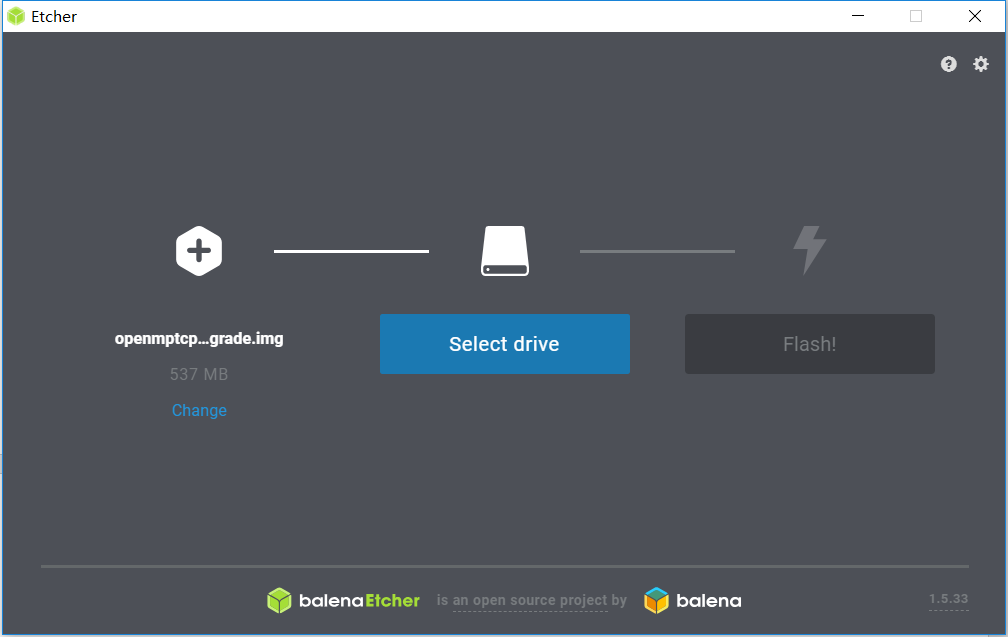
2. Firmware burning We need a software for burning firmware balenaEtcher
Insert the Raspberry Pi SD card into the computer and select the firmware in the software and select the SD card. Then click Finish and wait for him to auto-burn.
3. Insert the burned SD card into your Raspberry Pi. Then turn on the power of the Raspberry Pi, because the power of the Raspberry Pi is only 2A, so you need a USB HUB with an external power supply, which allows you to insert more Huawei E8375-155. Like the picture below

Insert the network cable into the Raspberry Pi network port and insert the Huawei E8372-155 into your Raspberry Pi. If you have multiple Huawei E8372-155, you can consider an external power USB HUB.
4. Turn on your computer Set the network card to obtain the IP automatically, and the browser will open 192.168.100.1 and then initialize the settings. As shown below
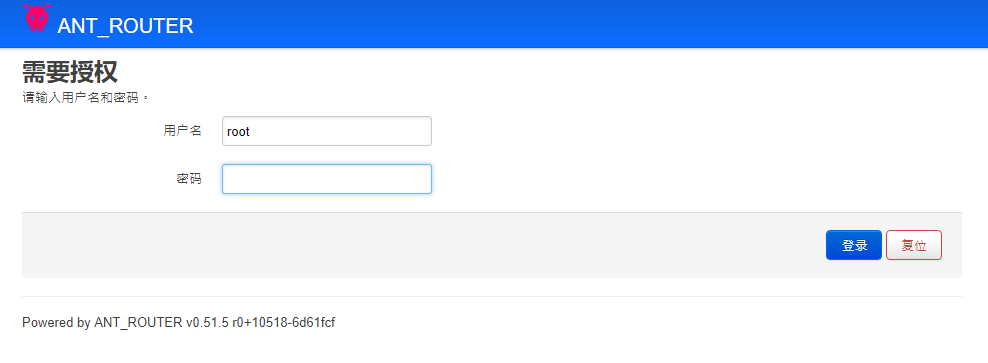
First login to the system default password is empty.
After entering the system, click the navigation bar system→openmptcprouter to set some information of your VPS server, such as IP, such as KEY, and later explain how to deploy the VPS server. Click OK to complete.
5. Install or update vps
1. You need an MPTCP kernel, shadowsock-libev, Glorytun, and some services installed on the VPS. The VPS script will install and configure them for you.
2.MPTCP will not work on OpenVZ, but if the TUN module is available, you can use MLVPN or Glorytun UDP.
3. It should work on most KVMVPS (you need to be able to boot from the local kernel).
Install the script on Debian 9 x86_64:
Use the ssh command on your server
Run as root:
Wget -O - http://www.openmptcprouter.com/server/debian9-x86_64.sh | sh
Or wget http://www.openmptcprouter.com/server/debian9-x86_64.sh
Sudo sh debian9-x86_64.sh
If you are a Chinese customer please run wget -O - http://vps.55860.com/server/debian9-x86_64.sh | sh
This will increase your speed.
After installation, the key will be saved in /root/openmptcprouter_config.txt Please remember that your key is returned to step 4 and written in your openmptcprouter.

When everything is ready, there will be a maximum optimized mobile user experience in a complex network environment based on MPTCP. Thanks to MPTCP for its contribution to the Internet, thanks to openmptcprouter for making a combination of these things.
If you have any questions, please feel free to send an email to admin@55860.com